-50%
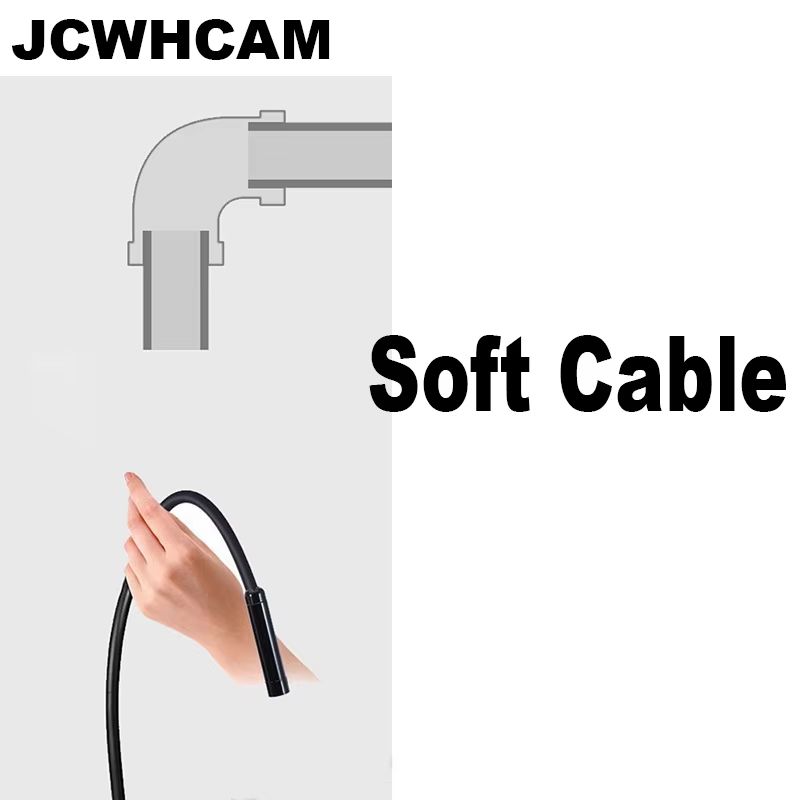
Type-C Android USB Endoscope Camera 7 mm Inspection Mini Camera
$46.99
$93.98
In Stock
Inspire Uplift
View Deal at Inspire Uplift
You'll be taken to the retailer's site to complete your purchase.
Explore hardtoreach places with precision using this TypeC Android USB endoscope camera with a compact 7 mm lens and rugged cable. Designed for smartphone, tablet, and PC inspection, this mini camera makes it easy to view pipes, engines, vents, drains, and tight spaces with live video in real time. Whether youre a DIYer, professional technician, or curious problemsolver, this pipe inspection camera delivers clear visuals and flexibility where traditional tools cant reach. Product Details Key Features 7 mm inspection camera lens designed to fit into narrow gaps, pipes, and ducts for detailed viewing. TypeC connector compatible with most Android phones and tablets; USB connectivity supports PClaptop use. Durable, semirigid cable provides control and stability while navigating curves and hardtoaccess areas. Highresolution imaging with builtin LED lights for illumination in dark spaces (adjustable brightness if feature included). Compact and lightweight, perfect for quick inspections, maintenance tasks, and troubleshooting. Why Choose Our TypeC Android USB Endoscope Inspection Mini Camera Unlike standard inspection tools that leave you guessing, this camera brings clarity to hardtosee areas with live feedback on your device. Its TypeC and USB compatibility gives you flexibility across platforms without additional adapters. The semihard cable and small lens outperform bulky devices by accessing tight spots with ease and delivering clear visual feedback. Perfect For Ideal for mechanics, plumbers, HVAC technicians, home inspectors, and DIY enthusiasts. Great for inspecting engine components, plumbing lines, air ducts, crawl spaces, auto interiors, and any confined area thats difficult to see. How to Use Connect the camera to your Android device via TypeC or to your PC via USB. Open a compatible endoscope app or software, insert the camera into the target area, and adjust lighting to view live feedback. Navigate slowly for best results. Care & Maintenance After use, wipe the camera lens and cable with a clean, dry cloth. Store in a dry, dustfree place. Avoid bending the cable sharply to protect internal wiring. See Clearly in Tight Spaces Bring precision and clarity to every inspection task with this TypeC Android USB Endoscope Camerayour compact solution for detailed visuals in hardtoreach areas.
| Store | Inspire Uplift |